
PicMonkey Photo Editor
Shutterstock Inc.
Downloads
1,000,000+
Source
Google Play
Advertisement
Click to download now, finish the installation quickly, and directly unlock the all-round experience
Advertisement
Screenshots
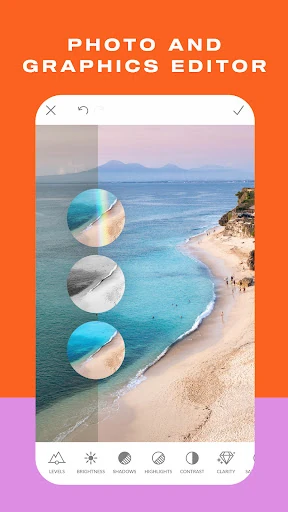
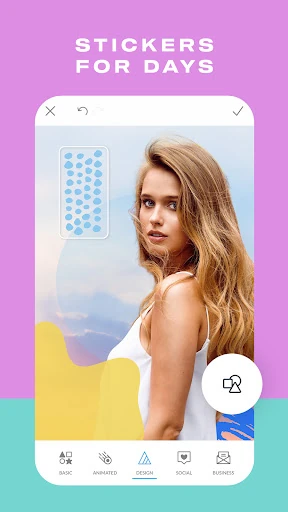
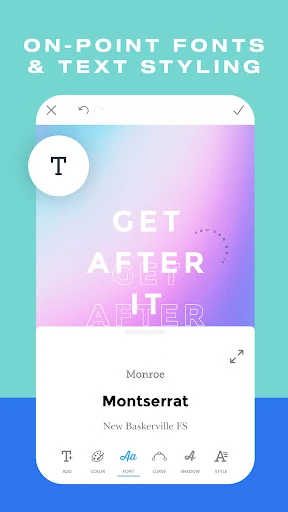
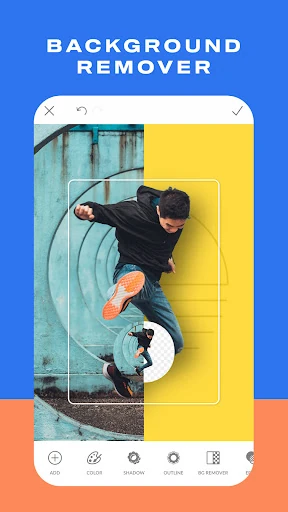




Click to download now, finish the installation quickly, and directly unlock the all-round experience
PicMonkey Photo Editor is made for people who need more than filters and quick color adjustments. It combines photo retouching with tools for creating social posts, promotional graphics, thumbnails, logos, and other branded images. That makes it a practical fit for small businesses, creators, online sellers, and anyone who regularly prepares visual content from a phone.
The editing toolkit covers everyday image work as well as more deliberate design tasks. Portrait controls can help smooth complexions, whiten teeth, and refine makeup effects, while adjustment tools provide faster ways to improve a photo without changing every setting by hand. Users can also add stickers, overlays, backgrounds, drawings, and other elements to build a composition from several parts.
Text controls give captions a more finished appearance, with options such as letter spacing and drop shadows. Preset canvas sizes and cropping formats are helpful when the same idea needs to be adapted for different social platforms or online storefronts.
PicMonkey suits users who move between photo editing and simple graphic design rather than treating them as separate jobs. Its layer-based approach is useful for building reusable visual assets, while cloud storage can support work that begins on a mobile device and continues elsewhere. The range of controls may take some practice, but the app is organized around common creator tasks instead of photography alone.
Those figures place PicMonkey among established mobile editing apps, with enough continued use to make its broader photo-and-design workflow worth considering.